Income Tax Calculator User Manual
1. Overview
The Income Tax Calculator functionality enables both registered and unregistered e-filing users to calculate tax as per the provisions of Income Tax Act, Income-tax rules, Notifications etc. by providing inputs with respect to income(s) earned and deductions claimed as per the Act.
This service also provides a calculation of tax under the old or new tax regime with a comparison of tax as per the old and new regime.
2. Prerequisites to Avail of This Service
Access to the e-filing portal.
3. Step-by-Step Guide
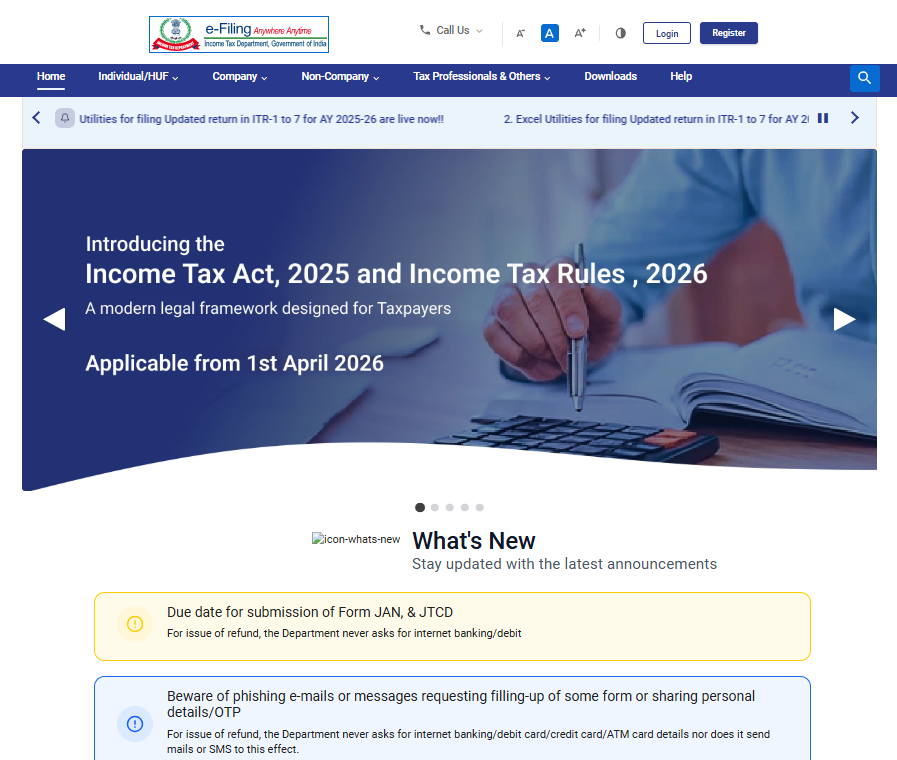
Step 1: Go to the e-filing portal homepage.
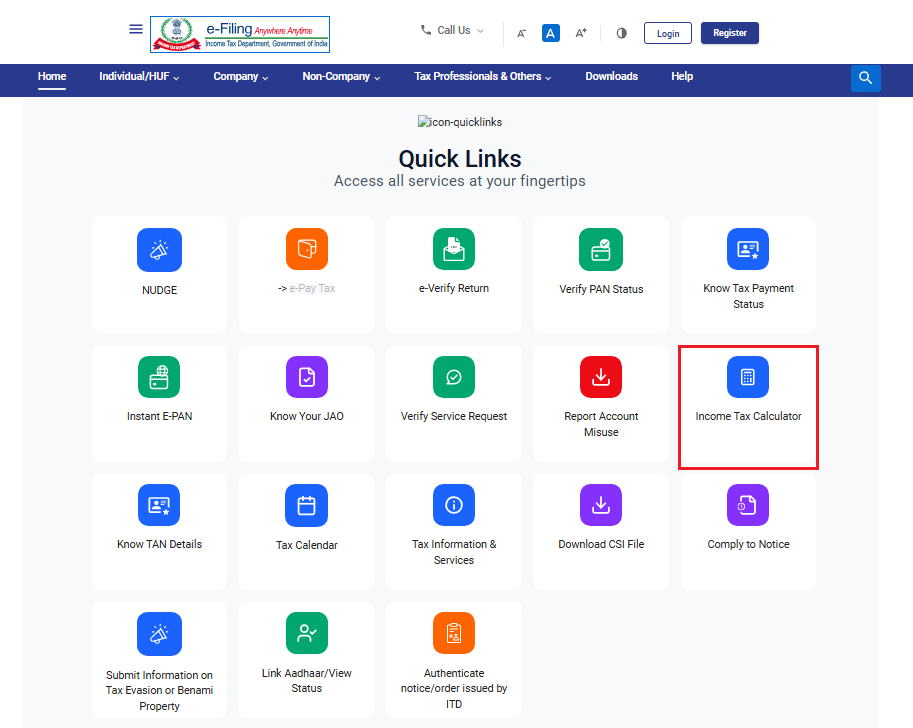
Step 2: In Quick Links’ Section Click on ‘Income Tax Calculator’.
You will be taken to the ‘Income Tax Calculator’ page.
Where you can calculate your tax as per Income Tax Act,2025 and Income Tax Act, 1961 both.
There are two tabs –
1.Basic Calculator’ and
2. Advanced Calculator’.
The ‘Basic Calculator’ tab is selected by default.
Please Note:
• The Income Tax Act, 2025 will be auto selected by default, and the Tax Year will be available only as 2026–27.
• If you want to calculate Tax as per Income Tax Act,1961, select the applicable act Income Tax Act, 1961 and select the Assessment year.
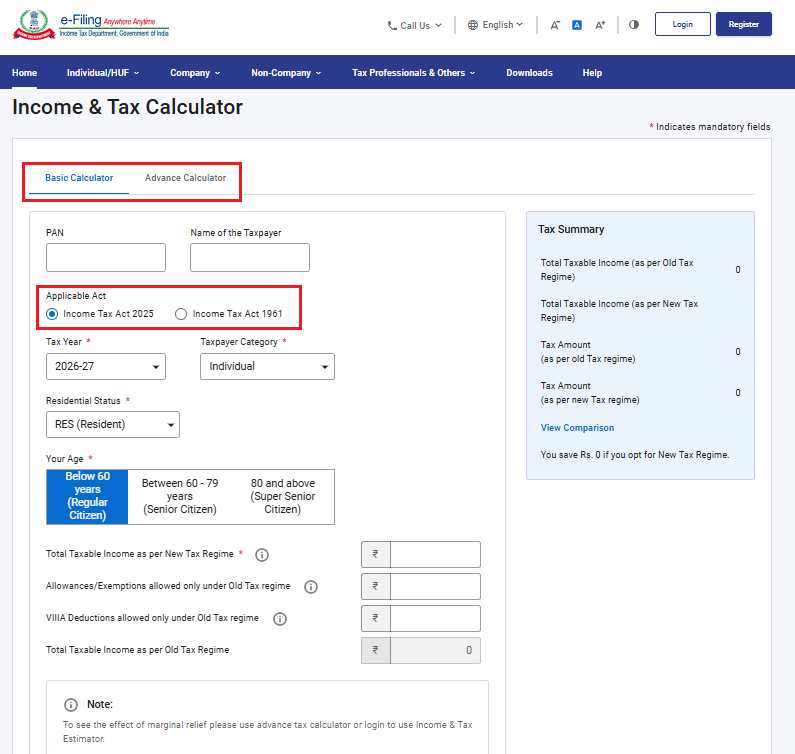
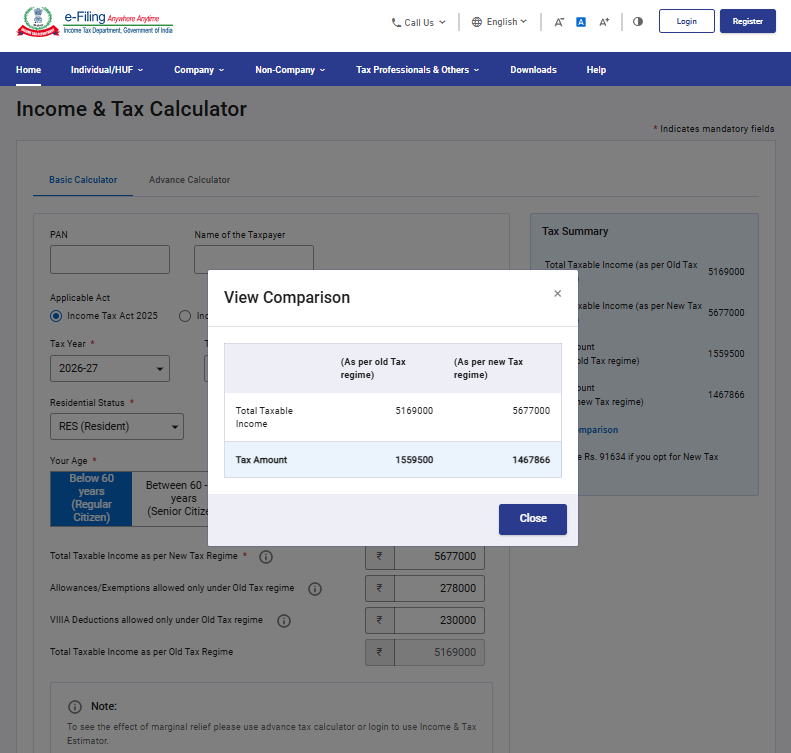
Step 3a: In the ‘Basic Calculator’ tab, enter the required details such as PAN, Name of Taxpayer, Applicable Act (Income Tax Act 2025 or Income Tax Act 1961), TY/AY, Taxpayer category, age, residential status, total annual income and total Allowances / Exemptions and Chapter VIA/VIIIA deductions under old tax regime. The tax calculation as per the details entered by you will appear in the ‘Tax Summary’ section.
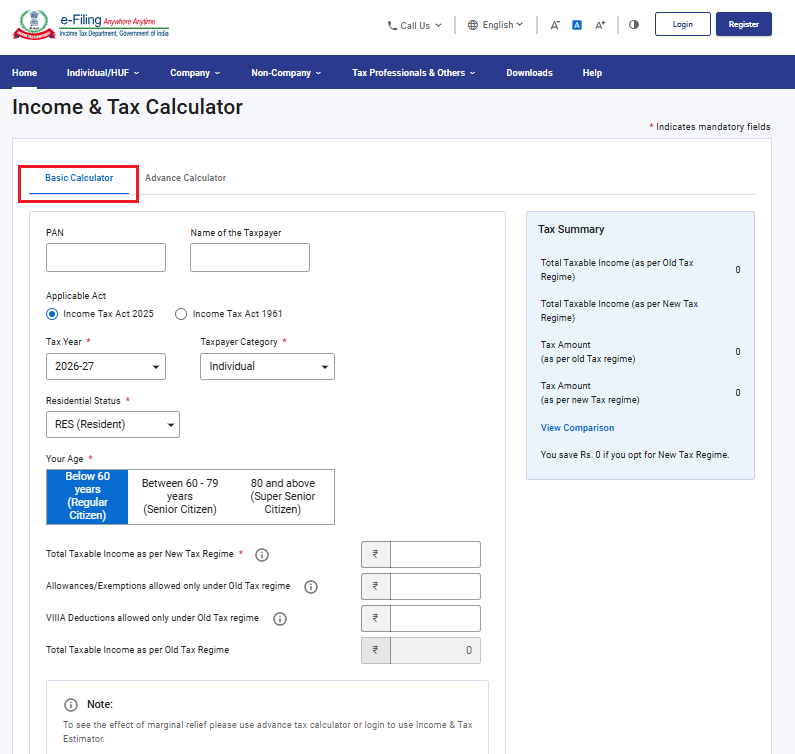
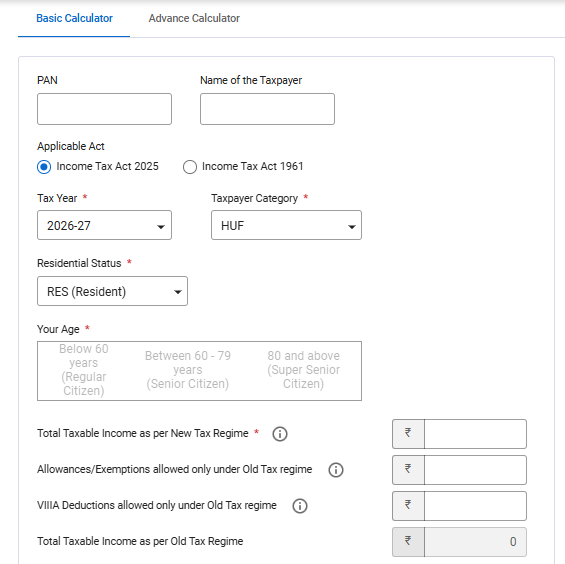
Note 1: Please note that based on the selection of the appropriate Taxpayer Category and Residential Status, the relevant fields on the Tax Calculator screen will be enabled or disabled for user input. For example, if the Taxpayer Category is selected as HUF in above screen and Residential Status as Resident, the Age condition is now disabled.
Taxpayers to select the correct category and residential status before proceeding to use the Tax Calculator.
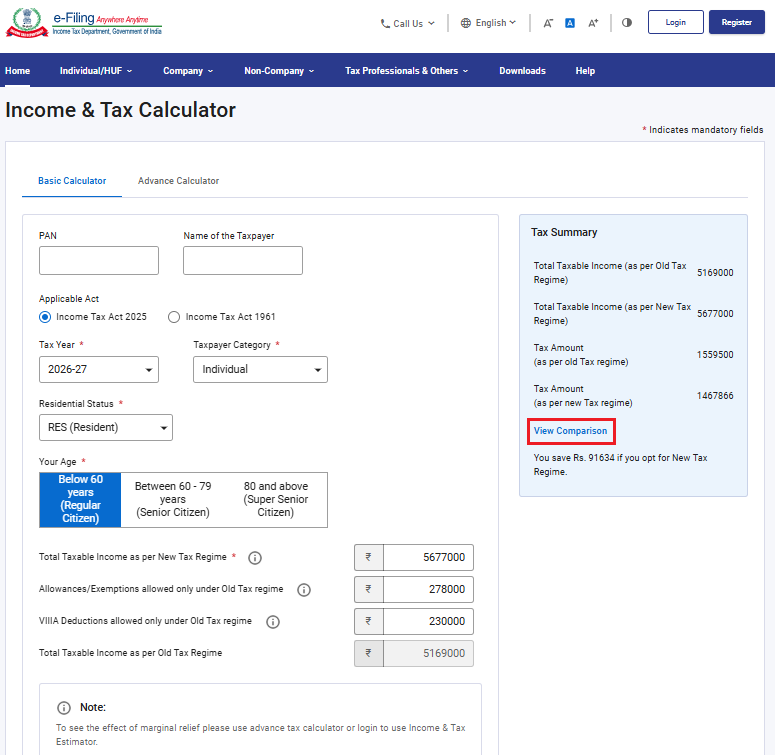
Note 2: Click ‘View Comparison’ to get a more detailed comparison of tax under the old and new tax regime.
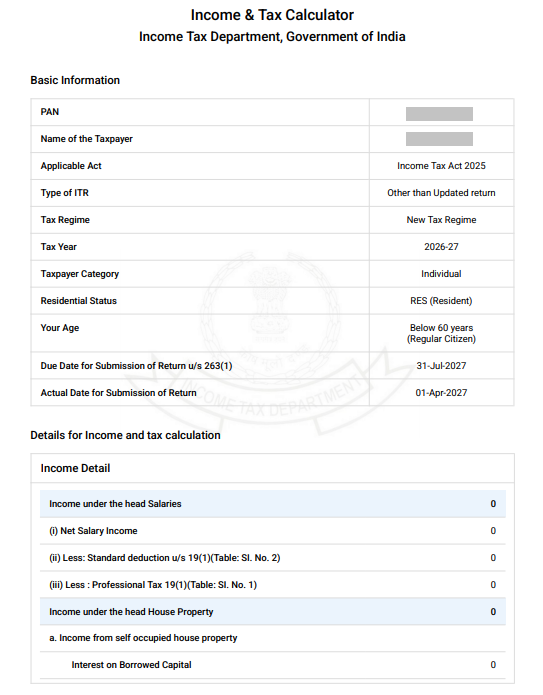
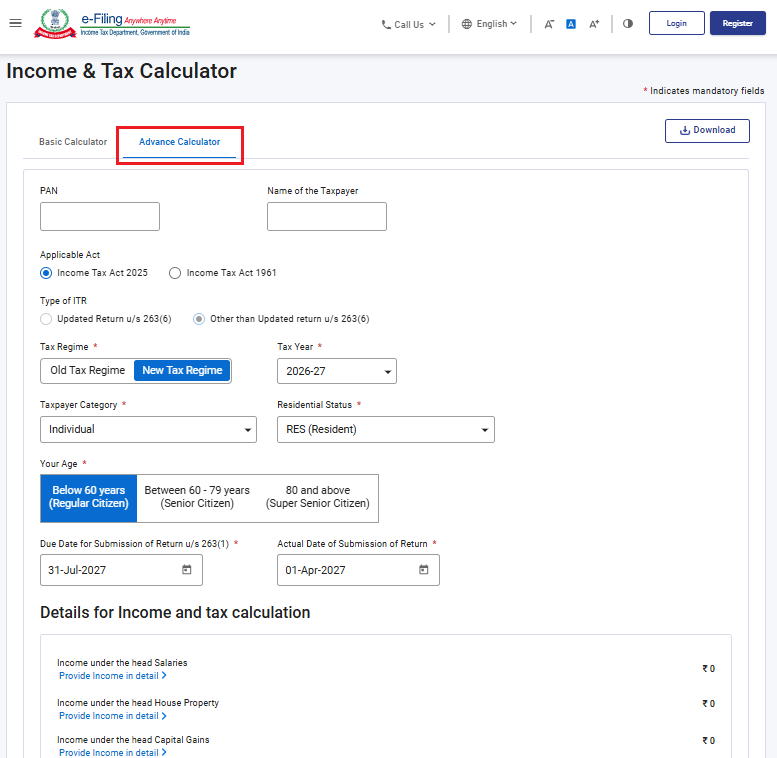
Step 3b: If you select the ‘Advanced Calculator’, enter the following details:
PAN, Taxpayer name, Applicable Act (Income Tax Act 2025 or Income Tax Act 1961), Type of ITR (Updated return or Other than Updated return), Preferred tax regime, TY/AY, taxpayer category, age, residential status, due date and actual date of submission of return.
Please Note:
• The Income Tax Act, 2025 will be auto selected by default, and the Tax Year will be available only as 2026–27.
• If you want to calculate Tax as per Income Tax Act,1961, select the applicable act Income Tax Act, 1961
• If you want to calculate Tax for updated return, select applicable act as Income Tax Act,1961 then select the AY for updated return. Updated return for TY 2026-27 filing is applicable after 01/01/2028, accordingly this will be enabled on the portal.
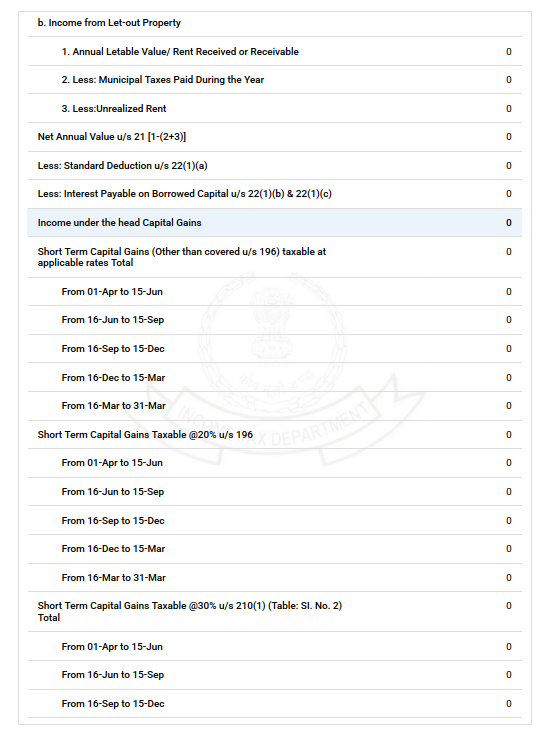
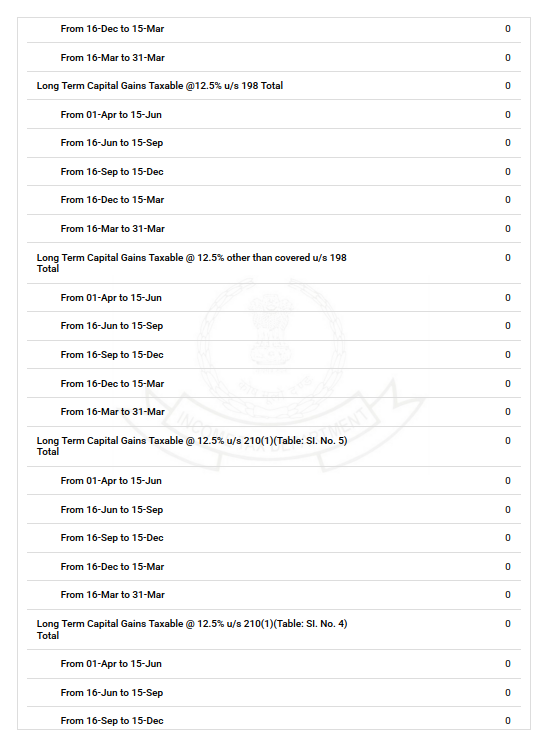
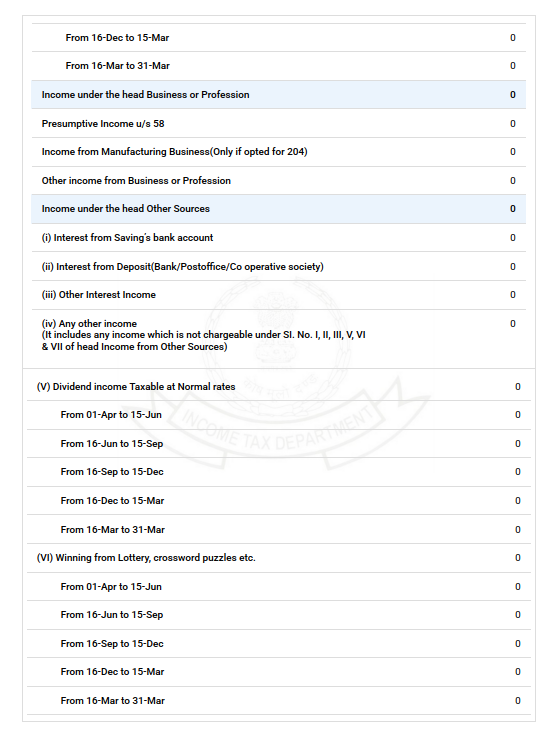
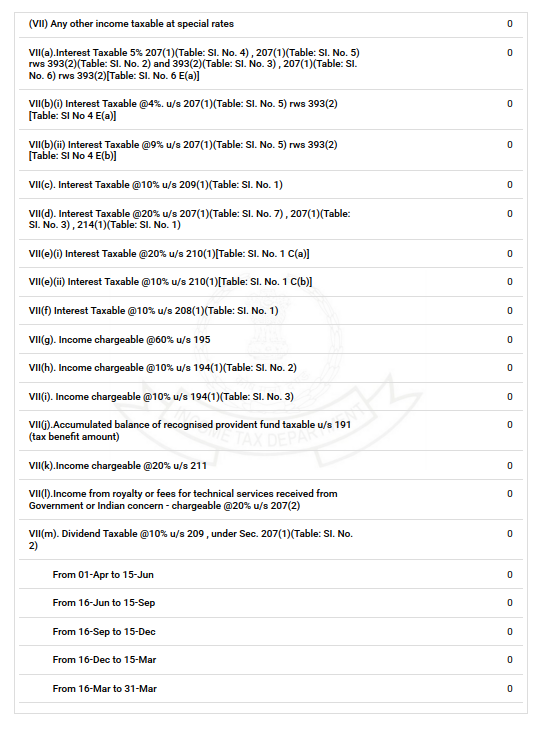
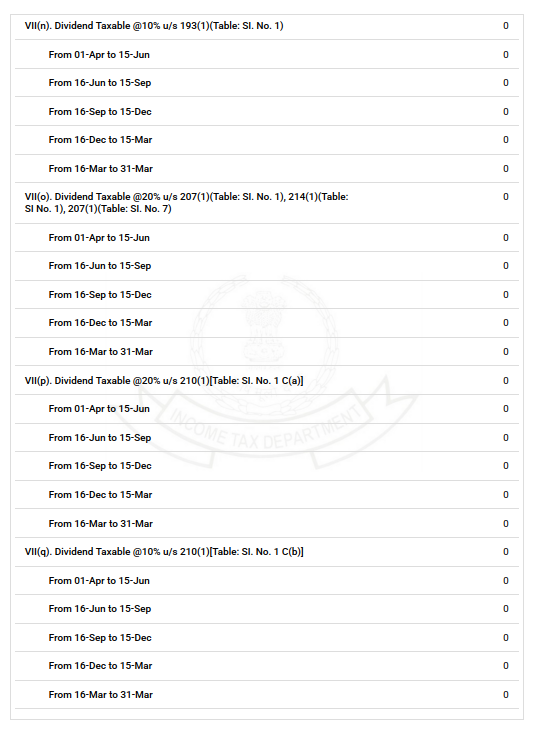
Under Details for Income and tax calculation, enter the required details of:
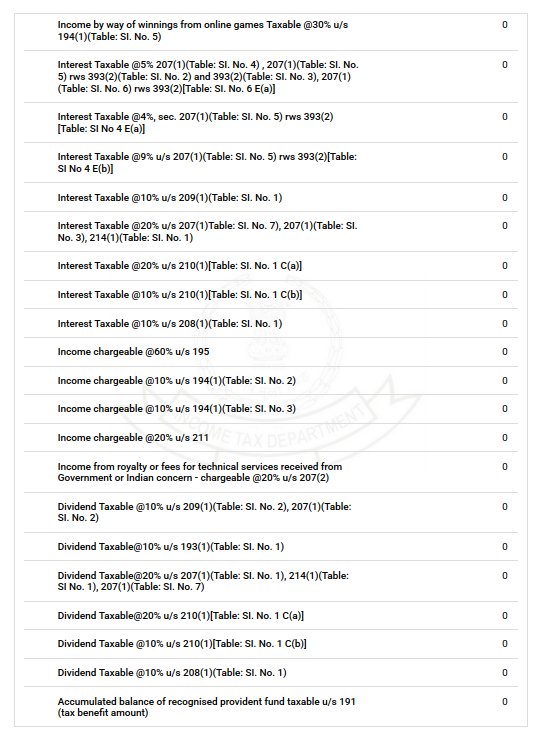
• Income under the head Salaries,
• Income under the head House Property,
• Income under the head Capital Gains,
• Income under the head Business or Profession, and
• Income under the head of Other Sources.
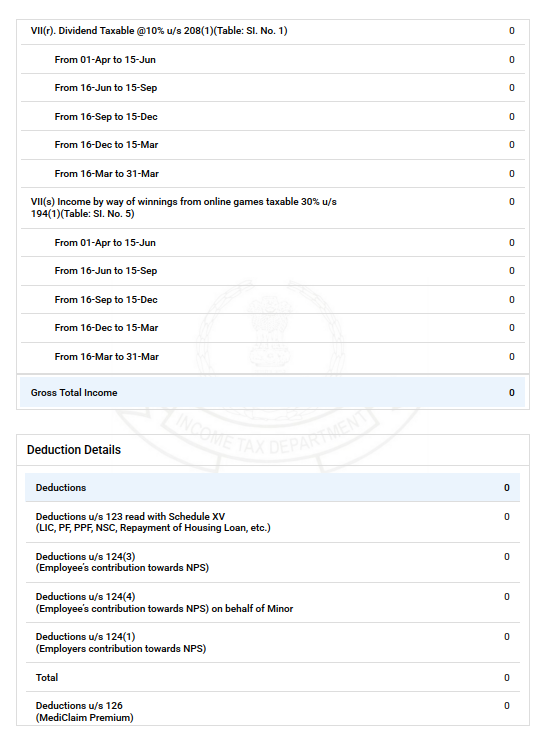
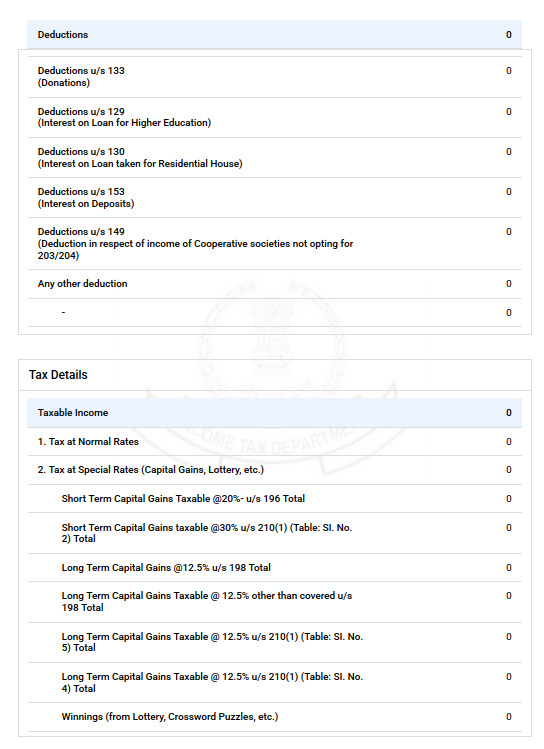
Under ‘Deduction Details’, enter the relevant deductions applicable to you, including but not limited to PPF, LIC, Housing Loan, NPS, Mediclaim, Loan on Higher Education.
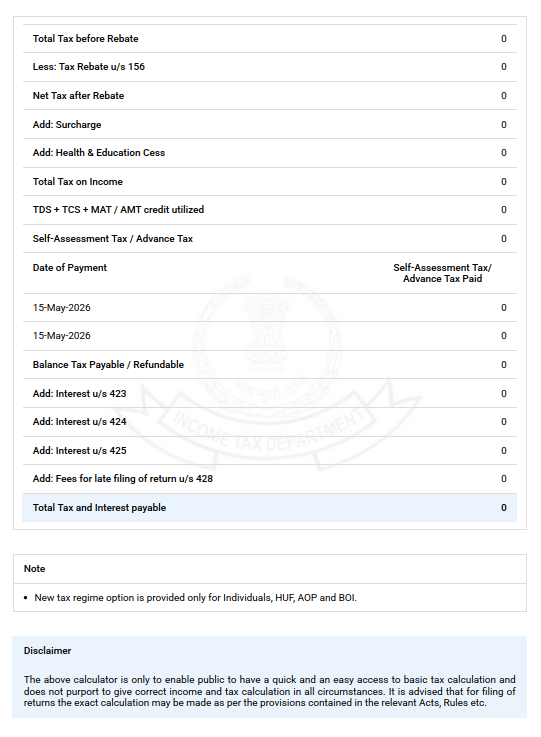
Under ‘Taxable Income’, enter TDS/TCS/MAT/AMT credit and Self-assessment Tax / Advance tax.
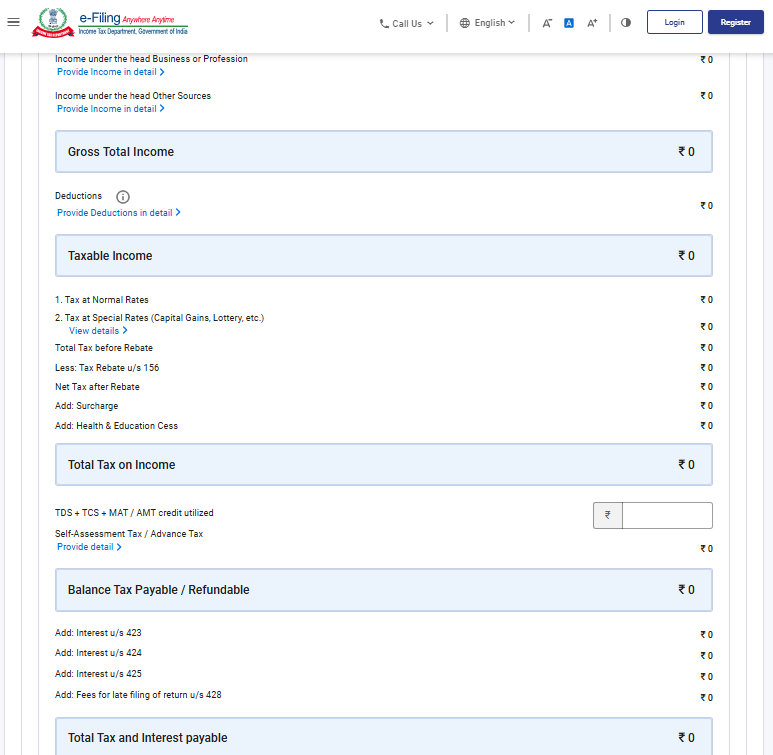
The total tax and interest payable by you will be displayed at the end of the page.
Step 4: You can download the calculation pdf by clicking on ‘Download’ button.
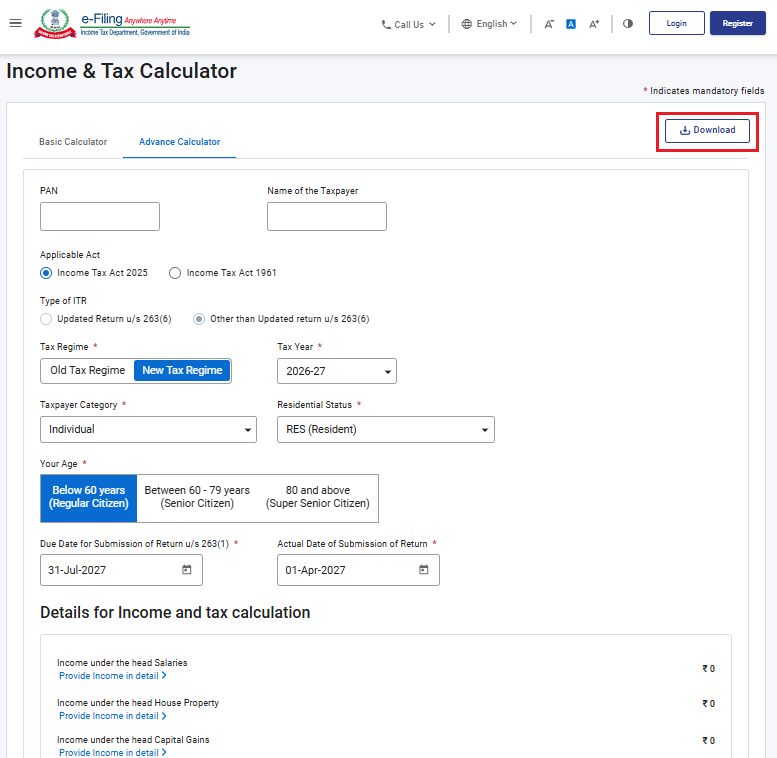
Step 5: Pdf of calculation will be downloaded.